Grocery Shopping and Delivery App
Timeline
July - August 2026
Tools
Pen & Paper, Figma
Duties
Research, Personas, UI/UX Design, Branding, Wireframing, Prototyping, Usability Testing
Project Overview
As part of an activity from my course from Interaction Design Foundation (IxDF), Busy Bee Grocer was created to solve the problem statement:
“ A very busy adult needs to know the times when their local market is the least crowded, so that they can go and shop without having to stand in line.”
Problem Space
Competitive Analysis
To kick things off, I started by conducting a competitive analysis, based on heuristics evaluation, with other similar apps that had a crowd tracking feature. Google Maps scored the highest and although ClassPass did not have a crowd tracking feature, its sleek minimalist UI for showing available studios within an area was worth taking note of.
Key Takeaways:
Google Maps would be a tough competitor to beat.
To provide something more useful to the user, possibly tweak Busy Bee Grocer’s functions to be more specific or niche. In Singapore, there are multiple apps that offer grocery delivery. More and more people have started opting for this because it saves them so much time. However, these apps don’t have a crowd tracking feature, so there could be a specific target audience for an app that has both functions.
Feature Ideation
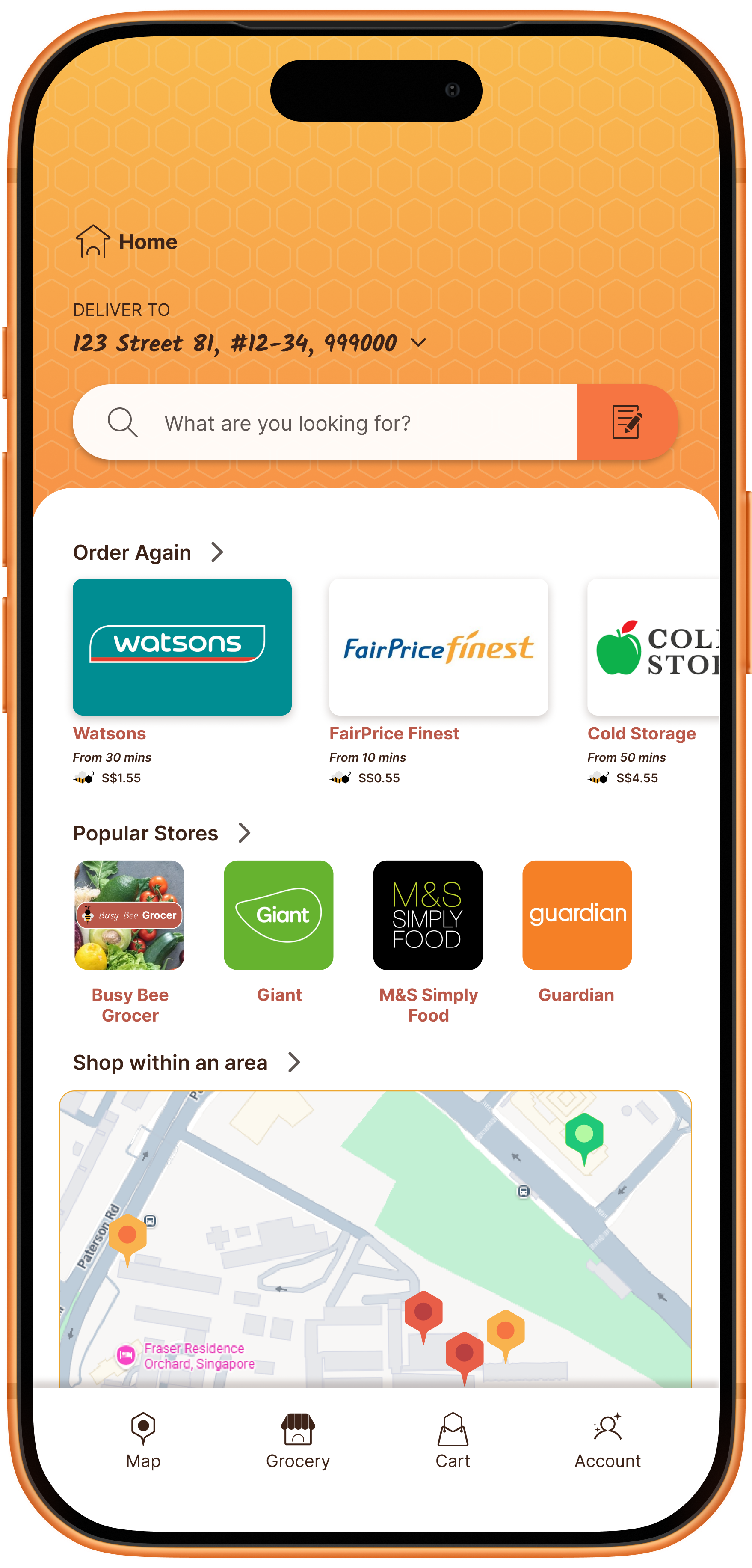
Simplified google map showcasing available stores nearby and a way to navigate to the stores.
Traffic light colored location pins for immediate information on which stores are currently crowded. Red for busy, yellow for moderately busy and green for not crowded.
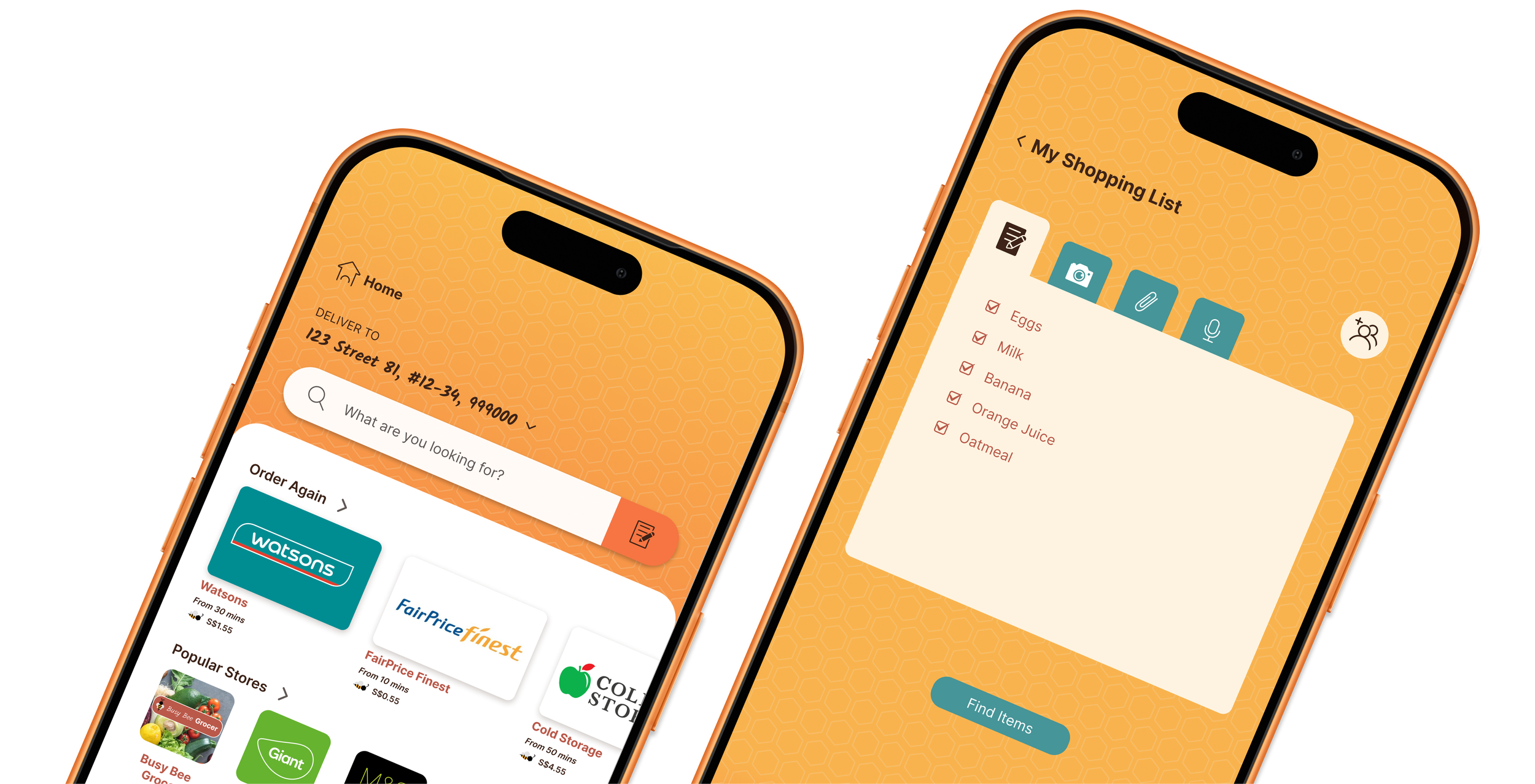
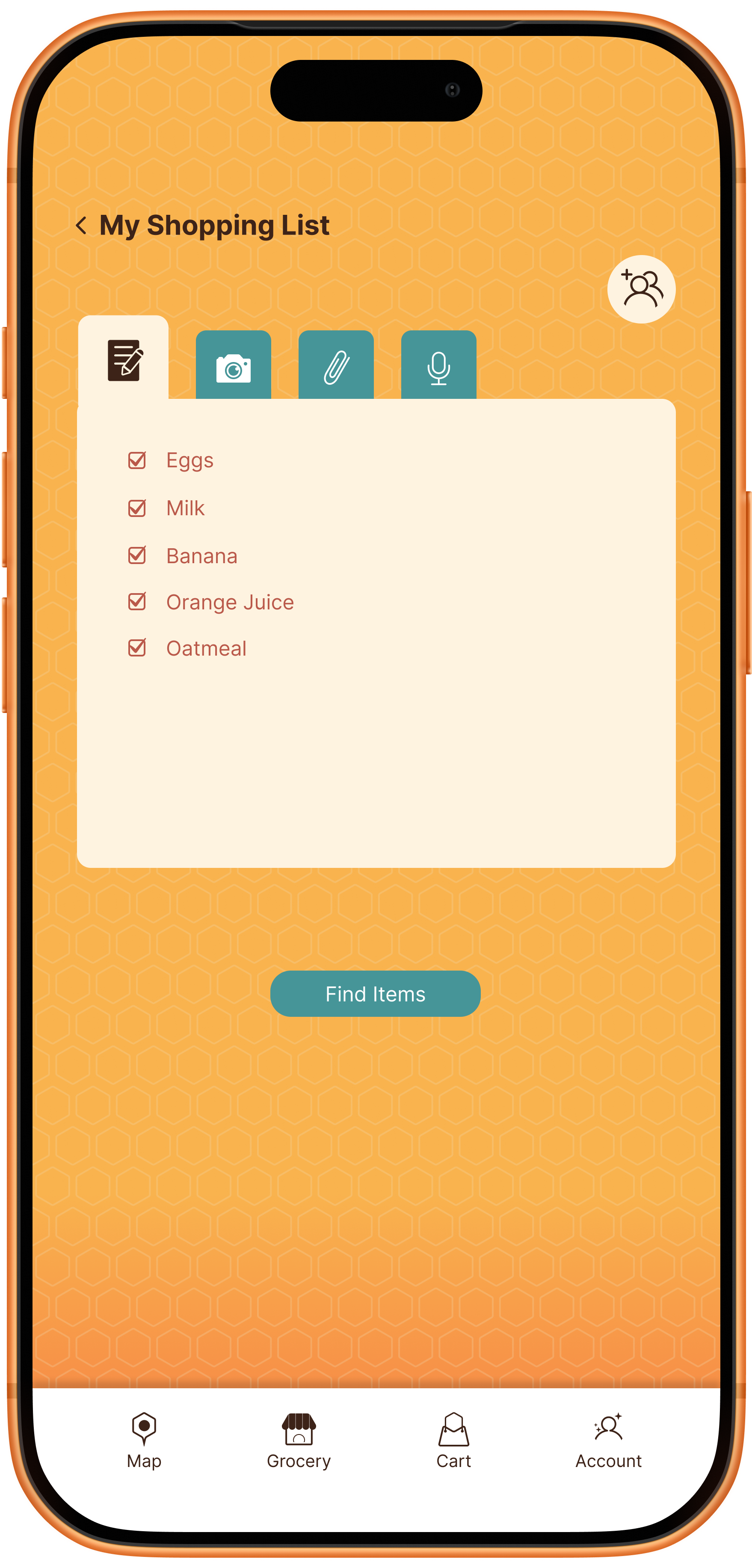
A way for shopping lists to be incorporated into the app and easily add listed items into the cart.
A way to scan the items in store so that you can pay through the app and skip the checkout line completely.
A way to inform users if an item is available in store and specificallywhere it is kept in the store. (i.e aisle and row placement) If item is unavailable, recommendations will be given for alternate stores close to the user that have the item in stock.
Possible Users for Busy Bee Grocer
Users who want to go to the store to shop in person but would just like to skip the queue
Users who want a less crowded space for a more peaceful shopping experience
Users who don’t mind ordering groceries online and picking it up at the store to save on delivery fees
Users who are really busy and would like their groceries delivered at a specified time. (Especially those who order frozen items.)
A Shift In Direction
After an initial round of interviews, I found that users were not very concerned about the volume of a crowd in store. Busy individuals wanted more convenience, and a way to save more money. Those that preferred shopping in stores, only wanted to do so to inspect the fresh produce.
Persona
User Journey
Solution Space
Sketches
I started with sketches to quickly explore a wide range of ideas.
Low Fidelity Prototype
From the sketches, I chose to expand on one idea and create a low fidelity prototype using even more sketches and Figma.
Using sketches together with Figma allowed me to quickly test my ideas with users, gather feedback and iterate improvements at a lower cost.

Have a go at the low fidelity prototype!

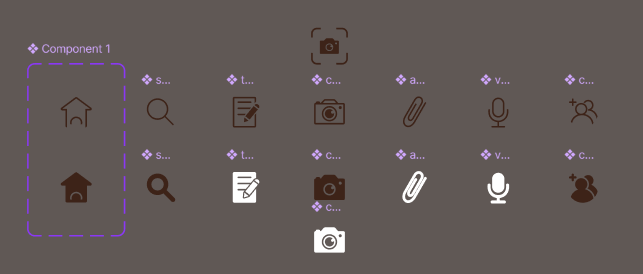
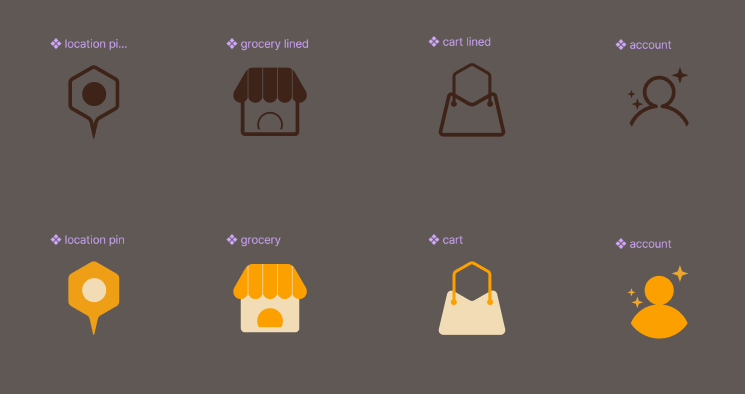
Designing Custom Elements




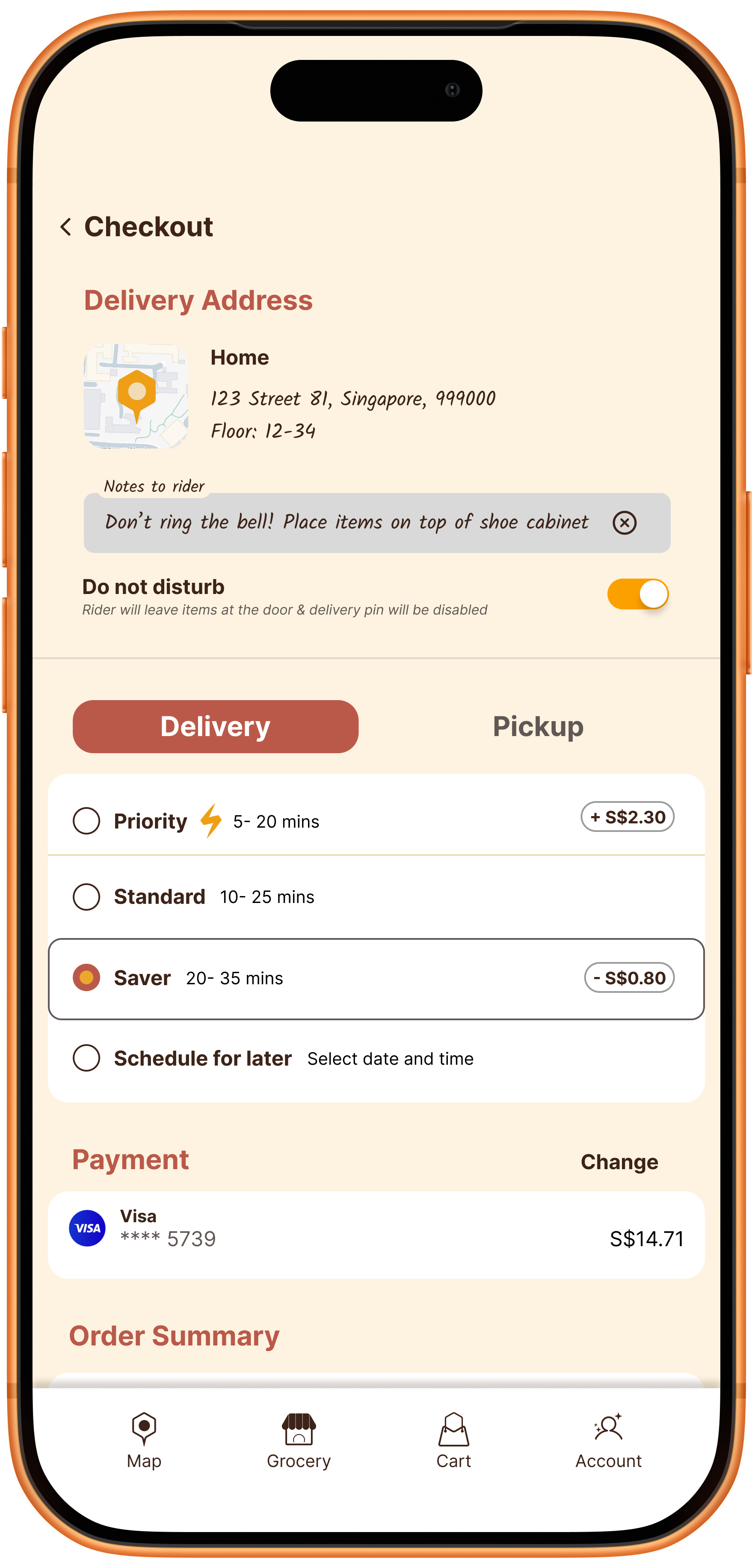
Final Product
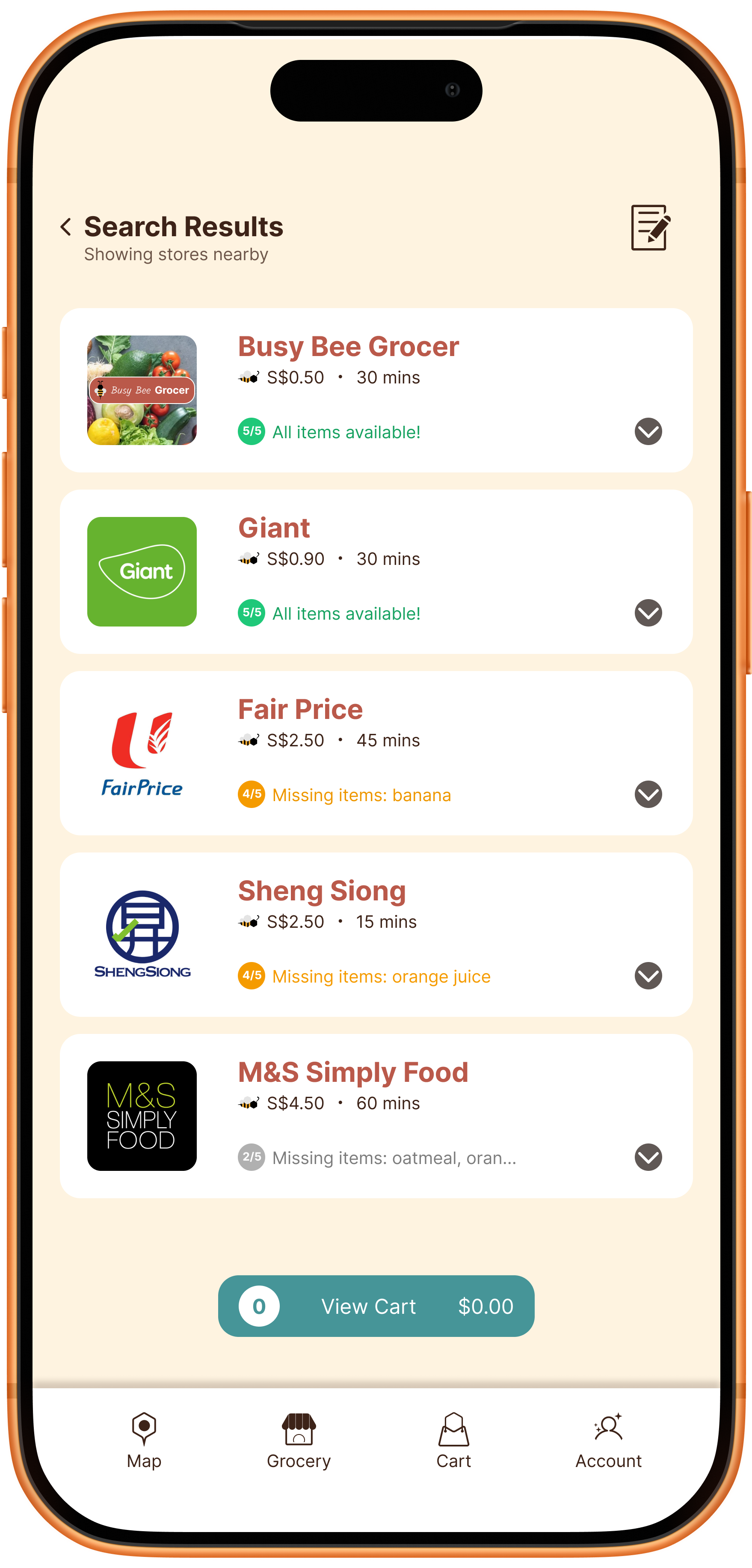
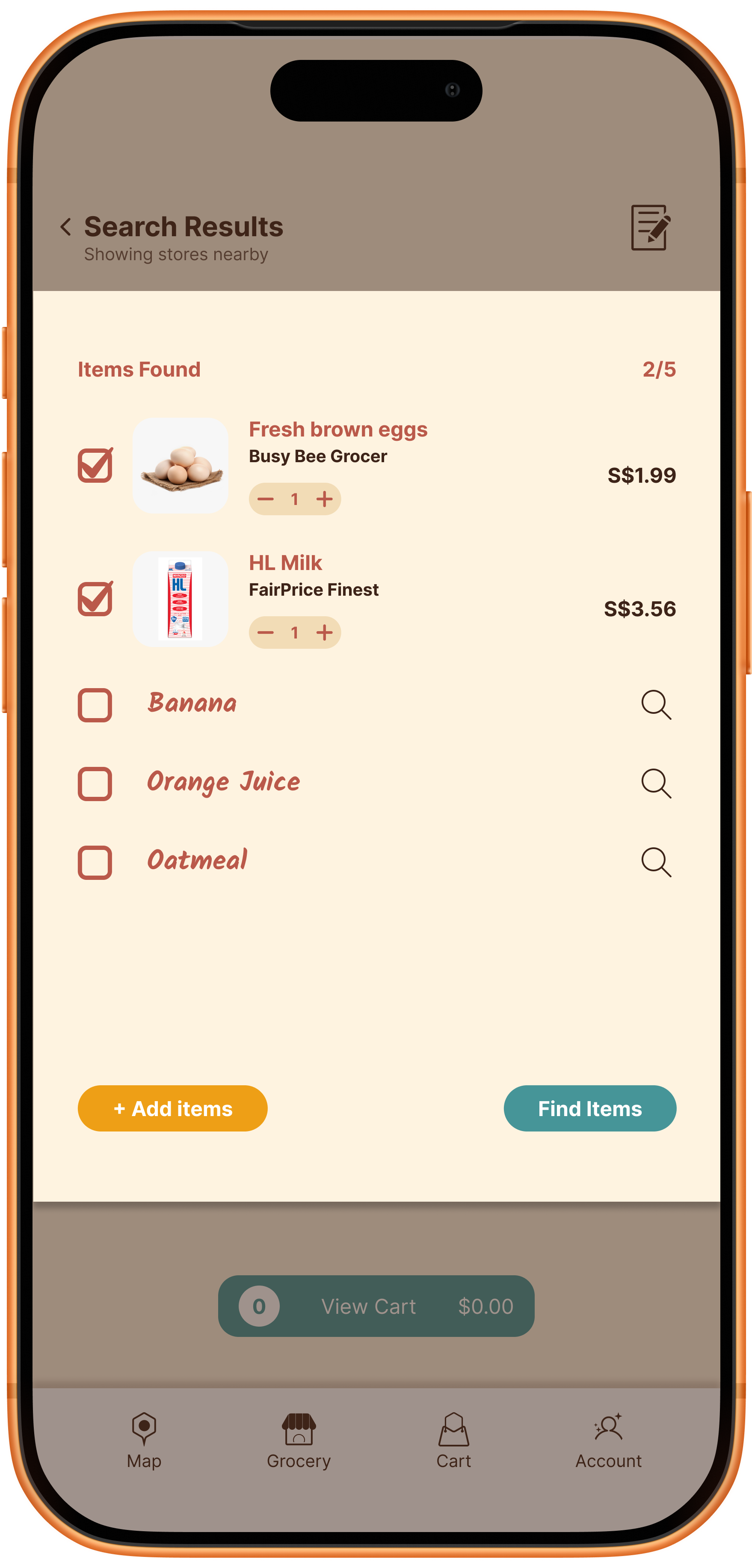
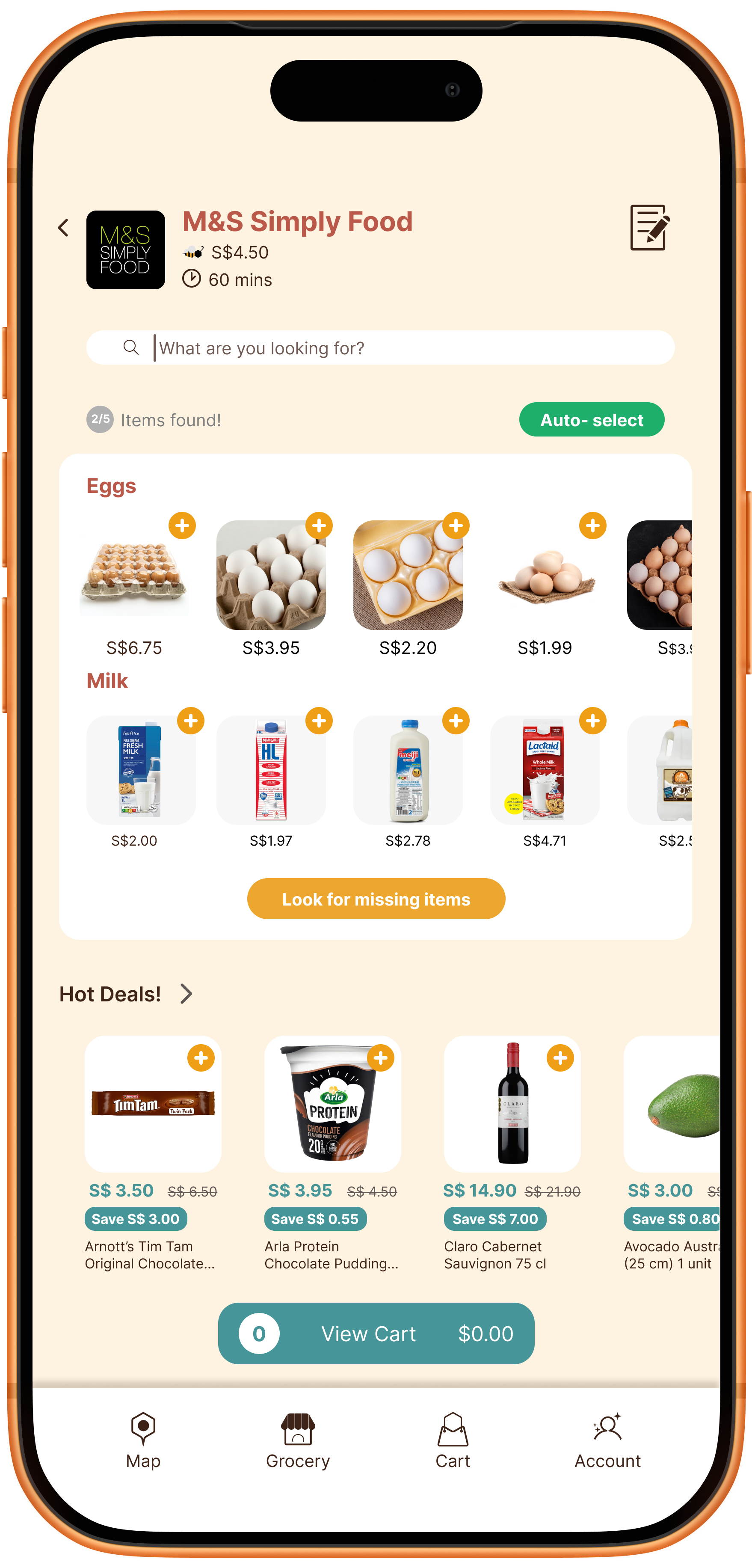
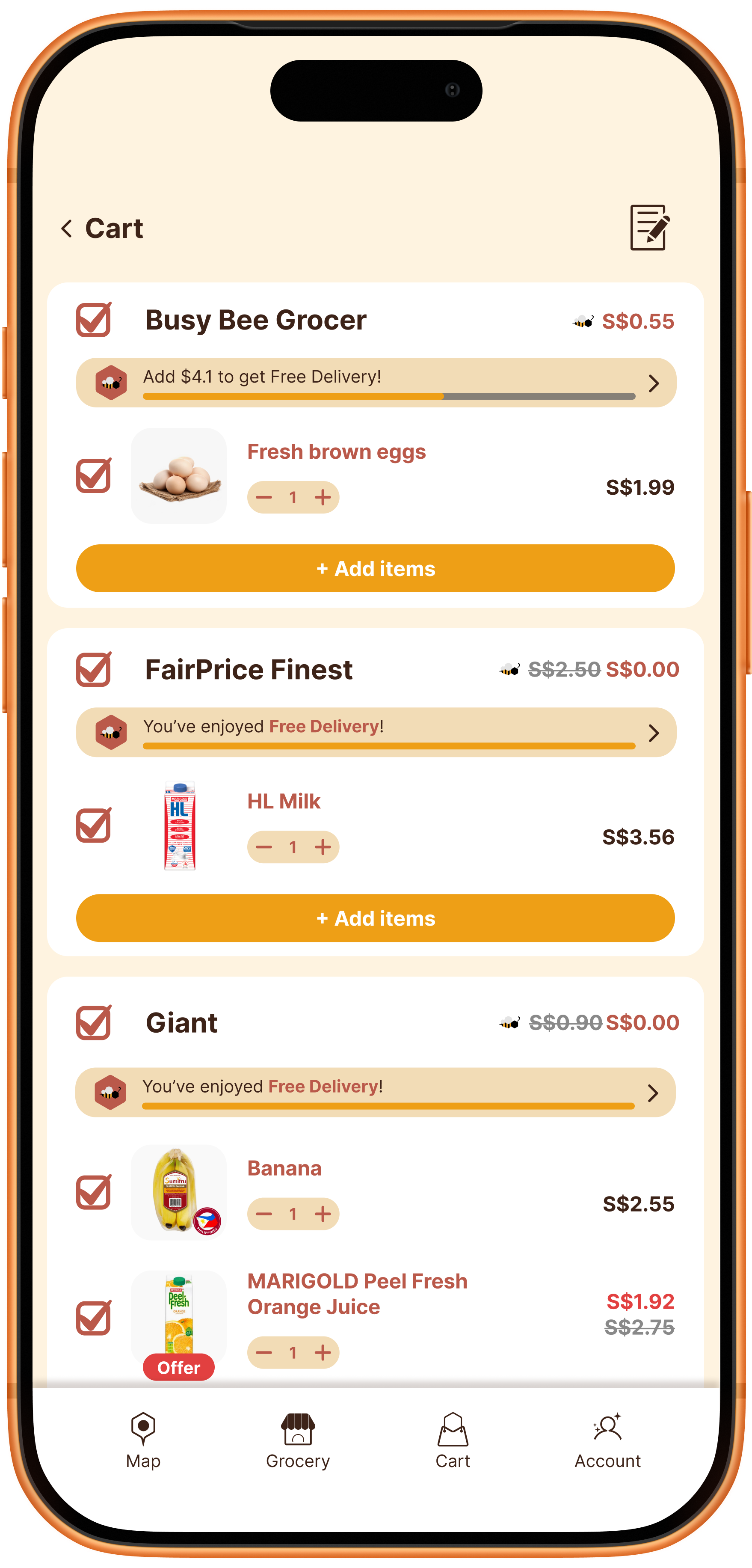
Conclusion
Most users found the shopping list feature useful. Initial user research prevented a costly mistake of converting a feature that users weren’t really interested in.
One thing I would improve on would be to add more guiding UI to help some of the users who are less likely to explore or intuitively recognize the shopping list icon.